Built-In DD Examples
To help showcase functionality (and help with DD internal debugging/development), the DumpDie project has built-in example views. The following describes how to access them from a given Django project.
Note
These built-in example views are also a good way to test various Django DumpDie configuration settings, and see what configuration works best for your local setup.
First, follow the installation instructions from the Quickstart page, to initially set up DD for your project.
Update your site root urls to include the following:
Warning
For production deployment, you probably don’t want this url added to your project. It’s probably best to not commit this line to your repository, and to remove it before deployment in event that it is accidentally committed.
These urls are meant for debugging and example output only.
urlpatterns = [

    path('dd/', include('django_dump_die.urls')),
    ...
]
Launch your project with the standard
python manage.py runservercommand.Open a new web browser to
http://127.0.0.1:8000/dd/. You should see page output similar to below.
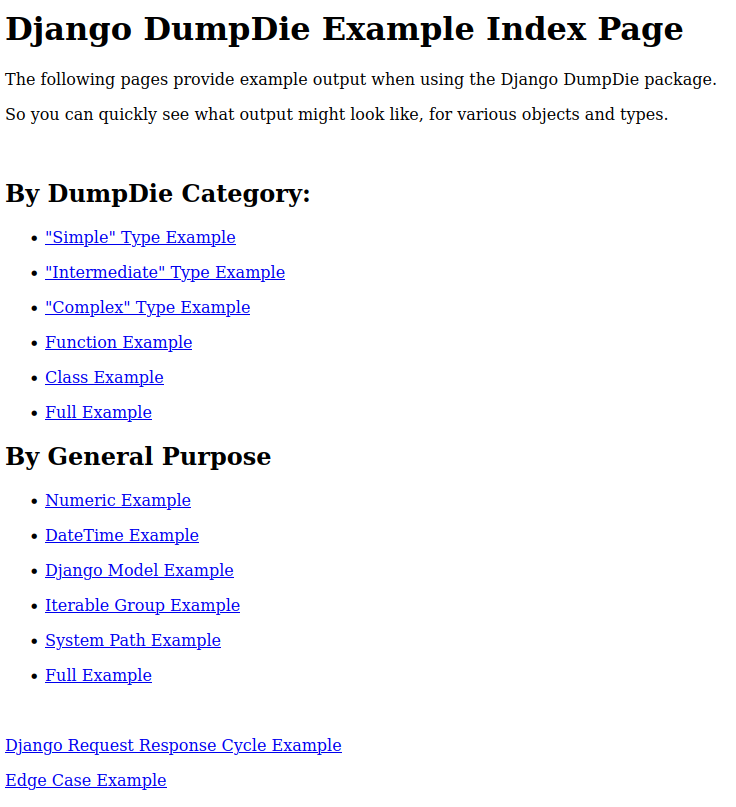
From here, click any of the links to view what the DD project looks like, for each given output grouping.
For example: